Stay the Night Controls & Keybinds
PC and mobile inputs for shopping, hauling, placing furniture, and surviving dusk without fat-fingering home.
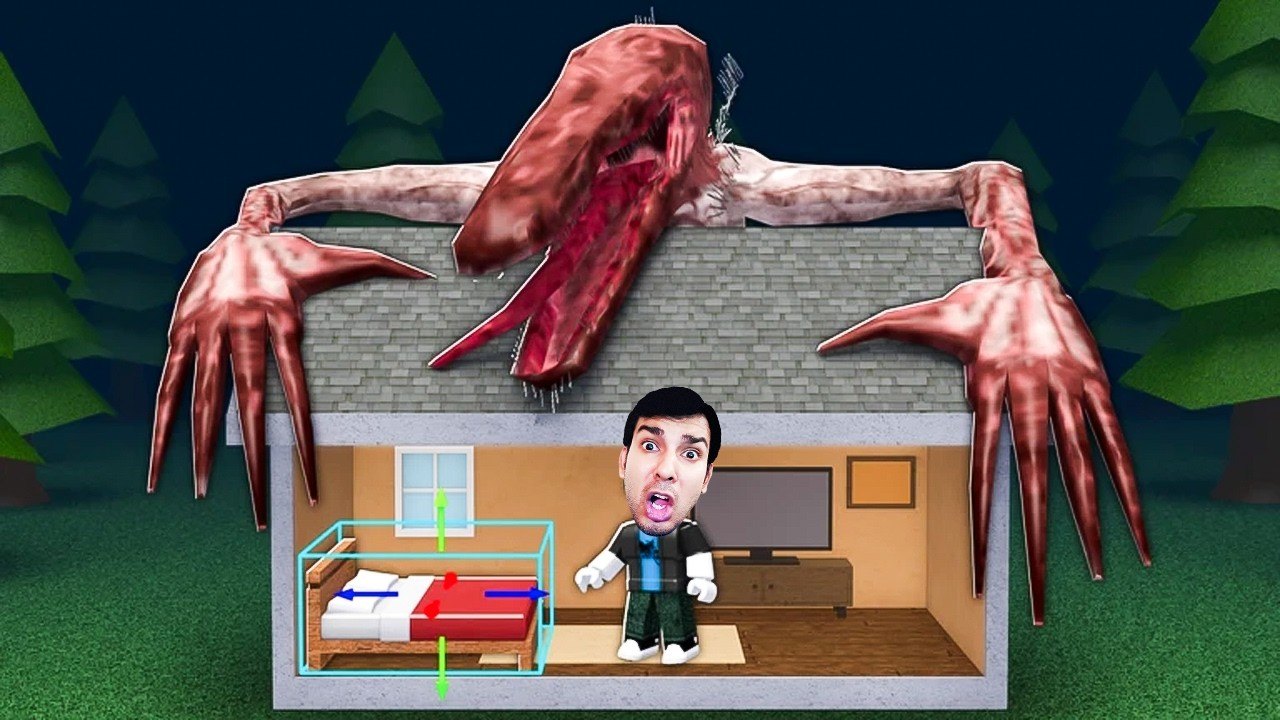
Stay the Night is a logistics game wearing a cozy horror costume. You win sessions by moving cleanly, interacting on the first try, picking up bulky supermarket pieces without spinning in place, and placing them before the sky turns mean. This page is the practical controls reference for PC and mobile lobbies on Roblox—pair it with Getting Started for the day-one plan and the Night Checklist for abort timing.
Facts: Roblox experience by Piroomuyo (owner LotusArts), released 17 October 2026, Survival genre, max 7 players, place 93349291960708. The loop never changes: supermarket → haul → place → coziness → rent → bigger house dreams → get home before the Beast.
Platform baseline
Roblox maps keyboard/mouse and touch differently per device, but the verbs stay the same: move, camera, interact / pick up, carry, place / rotate, and open menus. If a bind feels wrong, open Roblox settings → keyboard & mouse (or touch) and confirm nothing remapped your jump or interact keys mid-session.
PC movement and camera
- WASD (or arrow keys) for walking; hold sprint modifiers if your client enables them.
- Mouse look to aim at shelves, doorways, and house entry points.
- Space jump for curbs and awkward furniture collisions—do not jump-spam while carrying; it wastes time and clips you into walls.
- Shift (when available) for a faster walk between supermarket and home. Treat sprint as a daylight tool, not a panic button after dusk—you should already be inside.
Practice a clean loop on an empty morning: house door → supermarket entrance → one target aisle → exit facing your landmark route home. Muscle memory beats reading this page mid-haul.
Mobile movement and camera
- Left thumb virtual joystick for movement.
- Right-side drag for camera; pinch or on-screen buttons for zoom depending on device UI.
- On-screen jump and interact buttons—keep thumbs ready before you touch a sofa so you are not hunting the prompt while the clock burns.
- Auto-walk toggles (if you use them) are dangerous near dusk; cancel them the moment the lobby clock caller says abort.
Mobile hauls feel slower. Leave earlier than PC friends. Two light trips beat one overloaded crawl across the neighborhood.
Interact, haul, and carry discipline
The supermarket is where most control mistakes happen. Face the piece squarely, wait for the interact prompt, then commit. Spamming interact while strafing often cancels pickup and eats seconds you need for the walk home.
Carry rules of thumb:
- Confirm the item is actually in your hands before you turn toward the exit.
- Prefer forward movement with gentle camera adjustments—whipping the camera while carrying large collision boxes is how players wedge in doorframes.
- If a doorway is congested (full 7-player servers love this), wait one beat or use a side path instead of forcing a stuck animation.
- Drop or place only in safe zones. Do not abandon S-tier pieces in the street “for a second.”
Deep shopping routes and abort etiquette live on Supermarket & Hauling. Controls get you the item; that guide decides whether you should still be shopping.
Place, rotate, and house UI
Coziness only counts when furniture is placed inside, not hovering in your arms on the porch. After each haul:
- Enter the house fully—body indoors, not half on the mat.
- Enter placement mode for the carried piece.
- Rotate until the silhouette matches the room (beds flush to walls, sofas facing living space, lamps where they light paths).
- Confirm place, then immediately free your hands for the next teammate drop or your next run.
- Glance at coziness / survivor UI so you know the haul mattered—see Furniture & Coziness.
If rotate feels inverted on your device, place a cheap filler first to relearn the gizmo before you wrestle a huge entertainment unit at minute-to-dusk.
Outdoor prestige (fence lines, playground energy, car port flex) uses the same place/rotate verbs but should never steal dusk margin. Controls skill does not excuse greed—Survive the Night still wins arguments.
Menus you will open mid-session
- Shop / supermarket UI — prices, categories, confirm purchase. Close it the instant the clock caller yells abort; a stuck shop panel has killed more runs than the Beast’s lore ever will.
- Inventory / carried item indicators — know what you are holding before you path home.
- House / coziness / survivor panels — check between nights, not in the street.
- Roblox escape menu — only when fully indoors. Alt-tabbing outside is a classic highlight-reel death.
- Chat — bind or on-screen chat for
ABORT,HOME,PLACE NOW. Pre-agree macros with the lobby so thumbs are not typing novels at dusk.
Codes redemption UI is covered separately on How to Redeem Codes. As of 20 November 2026 there are still no public working codes—do not stand in the street testing fake strings.
Supermarket control tips that save daylight
- Pre-aim the camera down the aisle you need before you stop walking.
- Buy in the order you will carry: bulky priority piece first if you only have one trip left.
- Keep the exit door in your mental HUD; every purchase should answer “can I still reach home?”
- On PC, small mouse adjustments beat full 180 spins in tight aisles.
- On mobile, recenter the joystick after each pickup so you do not drift into shelves.
- If collision boxes fight you, set the piece down in a clear indoor spot and rotate there—not in the doorway traffic jam.
Multiplayer control etiquette
With up to seven players, input skill becomes social. Do not body-block the interact prompt on the only S-tier bed. Call “taking sofa” in chat before you commit. If you are the interior placer, stay near the house late-day with free hands so haulers can dump and leave again. Role ideas expand on Co-op Tips.
Practice drills (ten minutes)
- Empty hands sprint — time house → supermarket → house without shopping.
- Single-item haul — buy one mid-size piece, place it cleanly, repeat.
- Rotate lab — place and rotate three different shapes until it is boring.
- Abort drill — mid-aisle, force yourself to close UI and leave on a timer.
- Doorway etiquette — in a busy lobby, practice yielding instead of wedging.
When these drills feel dull, you are ready for denser shopping lists and House Upgrades planning.
Common control failures (and fixes)
| Failure | Fix |
|---|---|
| Spamming interact, never picking up | Stop moving, center prompt, press once |
| Stuck in doorway with sofa | Back up, rotate camera, wait for traffic |
| Placing on the porch at dusk | Enter fully, then place |
| Mobile auto-walk into night | Cancel movement the second abort is called |
| Shop UI open while team leaves | Bind a mental “close first” reflex |
| Jumping while carrying | Walk; jump only for clear obstacles |
Related pages
Clean inputs will not replace curfew discipline, but sloppy inputs will waste the daylight that discipline depends on. Learn the verbs, then spend your brain on coziness and rent—not on fighting the camera.
Frequently Asked Questions
Quick answers about Stay the Night on Roblox.
Do PC and mobile use different strategies?
Same verbs—move, interact, haul, place—but mobile hauls are slower. Leave the supermarket earlier on touch devices.
Why won’t furniture pick up sometimes?
Usually camera angle or movement cancels the prompt. Stand still, face the piece squarely, and interact once.
Should I place furniture outside near the door?
No. Get fully indoors first. Porch placements waste dusk margin and can strand you outside when the Beast owns the street.
What chat macros help in a full lobby?
Keep short calls like ABORT, HOME, and PLACE NOW. Agree them before the shopping sprint—see Co-op Tips.
Where do I go after learning controls?
Run Getting Started, then practice routes with Supermarket & Hauling and the Night Checklist.